

GTA VI
STREAMERS’ HANDBOOK
Your guide to preparing for the next generation of Grand Theft Auto content. Discover how to build your streaming setup, create engaging content, develop your creator identity and turn your passion for GTA VI into a memorable channel.
EXPLORE THE HANDBOOK SHOP GTA COLLECTIONWelcome to Leonida.
A new world. New stories. New opportunities. Your next chapter as a creator starts here.
GTA VI takes players to the fictional state of Leonida, including the iconic Vice City. With Jason Duval and Lucia Caminos at the centre of the story, the game offers creators a fresh world to explore and share with their communities.
Prepare before launch day.
Keep an eye on official Rockstar announcements for release timing, platform details, updates and preload information. Make sure your console is updated and your account is ready well before launch.
What about PC?
Check Rockstar's official announcements for PC availability. Avoid relying on unofficial release dates or unconfirmed system requirements when planning your content.
Storage and downloads
Keep plenty of free storage available. Game size and preload timing should be confirmed through official platform announcements. Online estimates are not final requirements.
Plan your launch coverage
Prepare your stream titles, thumbnails, social posts and broadcast schedule in advance. Having these ready gives you more time to focus on the game when launch arrives.
Build your creator station.
Your setup does not need to be expensive. It needs to be reliable, comfortable and capable of delivering clear video and audio.
Console or PC
Use a supported platform with enough storage, stable performance and the latest updates.
Microphone
Clear voice audio matters. Reduce background noise and test your levels before going live.
Camera
A webcam is optional, but a well-positioned camera can help viewers connect with your reactions.
Lighting
Use soft lighting in front of you. Avoid bright lights directly behind your camera.
Internet
Use a stable connection, preferably wired Ethernet. Test upload speed and stream stability.
Headphones
Use headphones to prevent game audio from feeding back into your microphone.
Streaming from your console.
PS5 and Xbox Series X|S offer built-in broadcasting options through supported streaming services. Connect your account, configure privacy settings and test a short broadcast before launch.
- Check your microphone and headset settings.
- Set your broadcast title and category.
- Check camera positioning and audio balance.
- Keep notifications and private information off-screen.
- Have a backup plan if your connection drops.
Capture cards
If you want more control over your broadcast, a capture card can connect your console to a streaming PC. This can give you more flexibility with overlays, scenes, alerts and audio management.
Take control with OBS Studio.
OBS Studio is a popular free broadcasting tool. It lets creators combine gameplay, camera footage, microphone audio, overlays and alerts into a single stream.
Build your first scene
- Add your game capture or capture-card input.
- Add your microphone and check audio levels.
- Add a webcam if you use one.
- Create starting-soon, gameplay and ending scenes.
- Test recording before your first live broadcast.
Stream quality
Choose a resolution and bitrate your internet connection can reliably support. A stable stream is better than a high-quality stream that constantly buffers. Test your settings and adjust them using platform recommendations.
Keep your audio balanced
Your voice should be easy to hear over the game. Test microphone volume, game volume and alerts separately. Avoid sudden loud sounds that make the stream uncomfortable to watch.
Make the first hour count.
Your first broadcast sets the tone for your channel. Plan a simple structure so viewers know what to expect.
- Starting soon: Welcome viewers and check that everything works.
- Introduction: Introduce yourself and explain the stream's focus.
- Gameplay: Share reactions, discoveries and commentary naturally.
- Community: Read chat and involve viewers without losing the gameplay.
- Ending: Thank viewers and let them know when you plan to return.
Don't let silence take over
Talk through your decisions, reactions and discoveries. Even when chat is quiet, keep viewers involved by explaining what you are doing and what you plan to explore next.
Give viewers a reason to return.
Thousands of people may play the same game. Your personality, humour and presentation make your channel different.
Find your format
Try story reactions, exploration, challenges, roleplay, guides or community sessions.
Be consistent
Choose a realistic schedule and communicate it clearly to your audience.
Use short clips
Turn memorable moments into short videos for social platforms.
Connect with viewers
Ask questions, welcome new viewers and build a friendly community.
Thumbnails and titles
Use clear titles that explain the stream. Create readable thumbnails with strong contrast and a recognisable channel style. Avoid misleading claims and fake spoilers.
Learn from your analytics
Review which streams attract viewers, when people stay engaged and which clips receive attention. Use those insights to improve your schedule, presentation and content ideas.
Build your on-screen identity.
Your channel is more than gameplay. Your appearance, clothing, background, overlays and personality all help create an identity that viewers can recognise.
How should I create my appearance on stream?
Think of your stream as stepping into the world of GTA VI. Build a look that reflects the atmosphere, fashion and personality of the game. You do not have to dress like everyone else. Find a style that feels natural to you while giving your channel a recognisable GTA-inspired identity.
Take inspiration from the clothing and street style of Jason and the other characters. Choose T-shirts, shirts, hoodies and accessories that match the look you want to create. Your camera frame is part of your presentation, so make every detail count.
At GTAClothing.store, we are committed to bringing GTA VI merchandise from the game into real life. We have already brought many game-inspired designs to our collection, and you can explore them to see for yourself.
We believe that to build a successful character in the game, you should feel like you live in that world. Wear the style. Bring the atmosphere into your stream. Make your appearance part of the experience.
Bring Vice City into your room.
Your streaming background can tell a story before you even say a word. A well-organised desk, themed poster, desk mat or carefully chosen accessory can make your setup feel more personal.
Use GTA-inspired details naturally. A poster behind you, a themed desk accessory or a favourite piece of clothing can help create a consistent visual identity across your streams and social media.
At GTAClothing.store, our goal is to bring the GTA VI world closer to fans through clothing, accessories and collectibles. We regularly work to turn memorable in-game styles and ideas into real-world merchandise.
Visit GTAClothing.store regularly to discover new additions. Explore the GTA VI collection and find pieces that suit your own style and streaming setup.
Make your style part of the story.
Your audience gets to know your personality through more than gameplay. A recognisable style can make your channel memorable.
Feature your favourite GTA-inspired clothing and accessories naturally in your camera frame. You can also show your setup on starting-soon screens, during breaks or in your stream description.
Keep promotions authentic. Your content should always come first. Let your setup and personal style speak for themselves rather than making every stream feel like an advertisement.
Explore the GTA VI collection
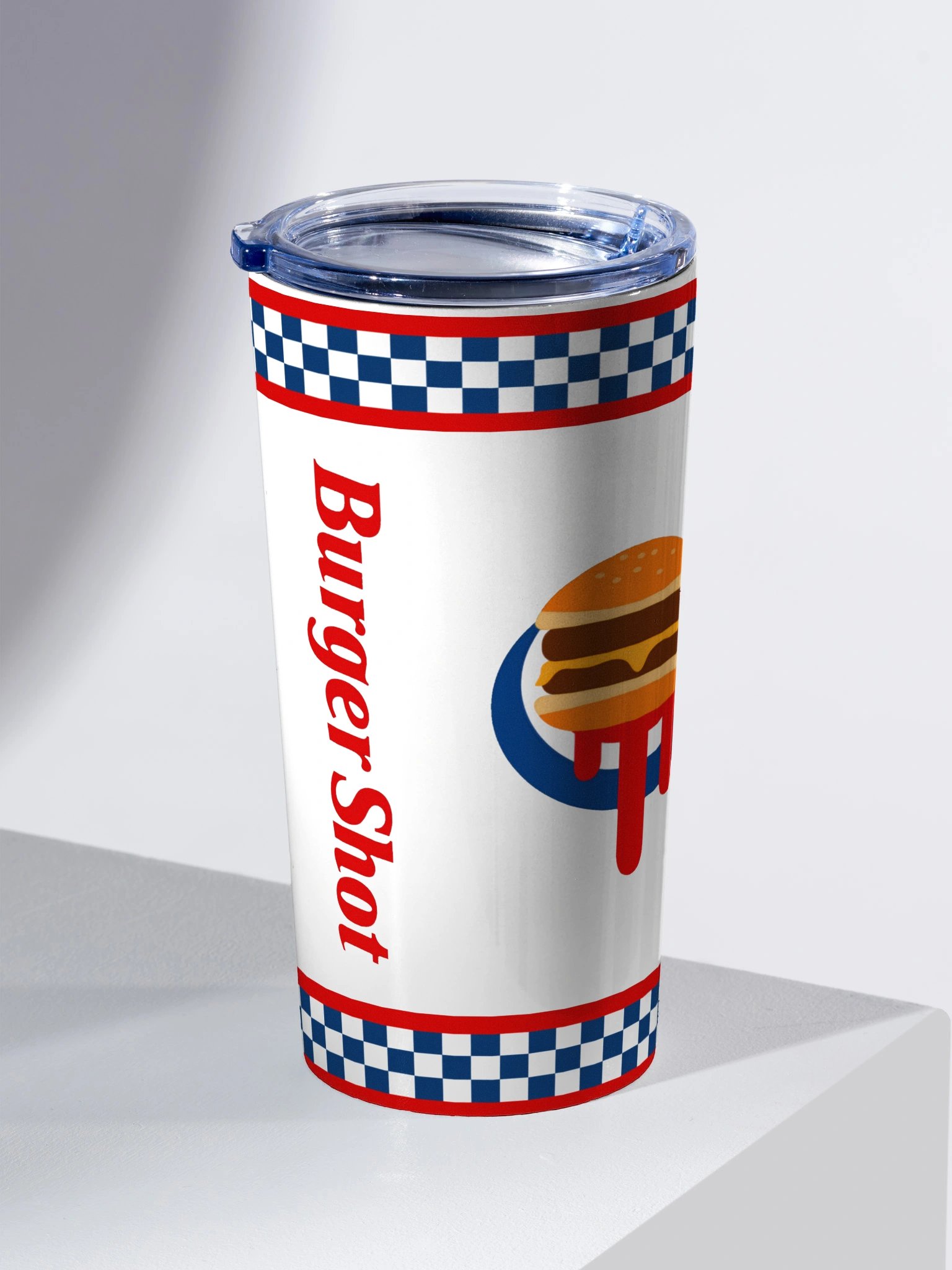
Burger Shot Tumbler
Bring a little in-game flavour to your desk.

Cluckin Bell Tumbler
A themed accessory for your streaming station.
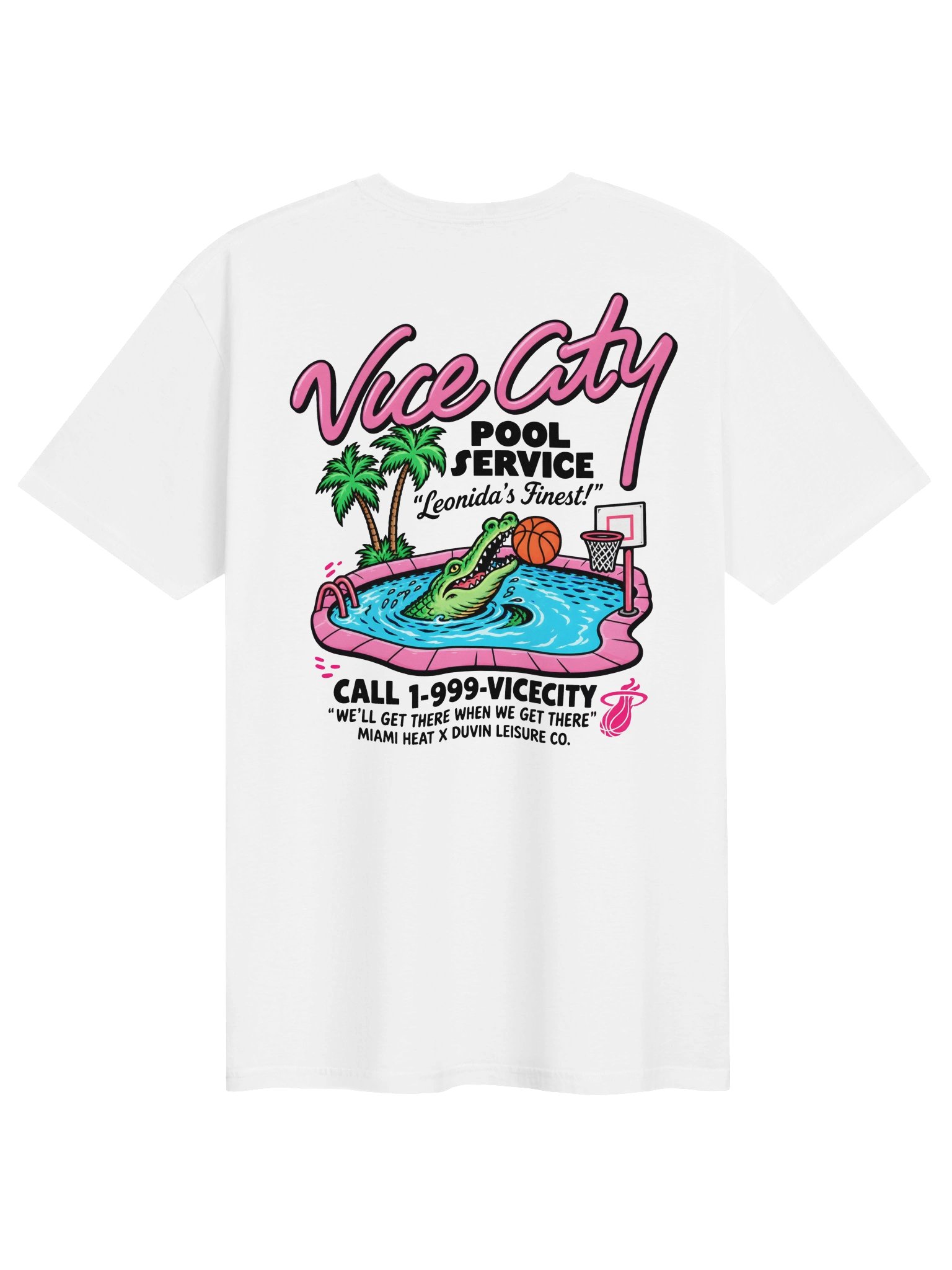
Vice City Pool Service Tee
Miami-inspired style. Limited-time 65% off.
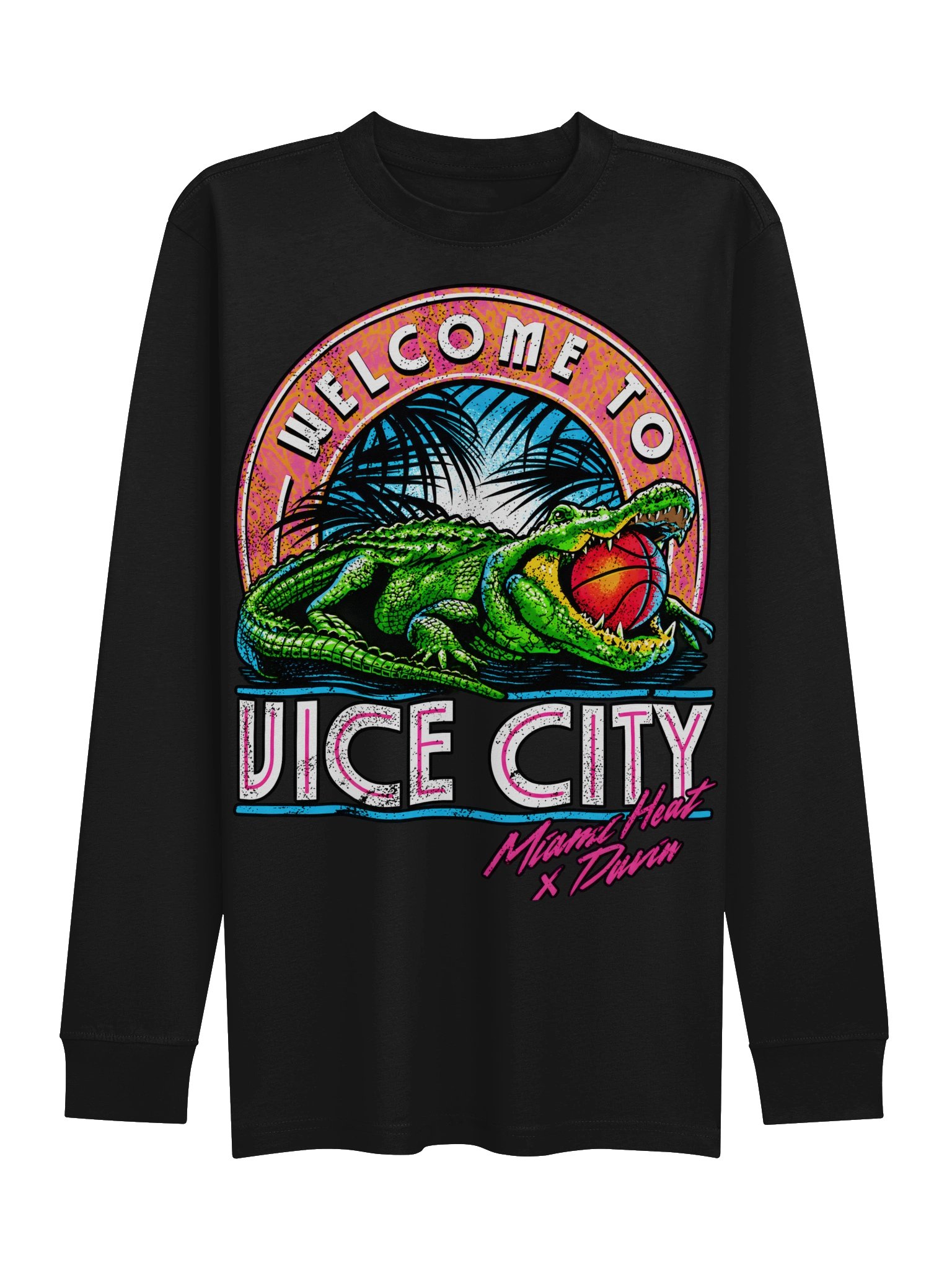
Welcome to Vice City Crewneck
Comfortable Vice City-inspired streetwear.

GTA VI Logo Tee
A clean design for fans of the series.
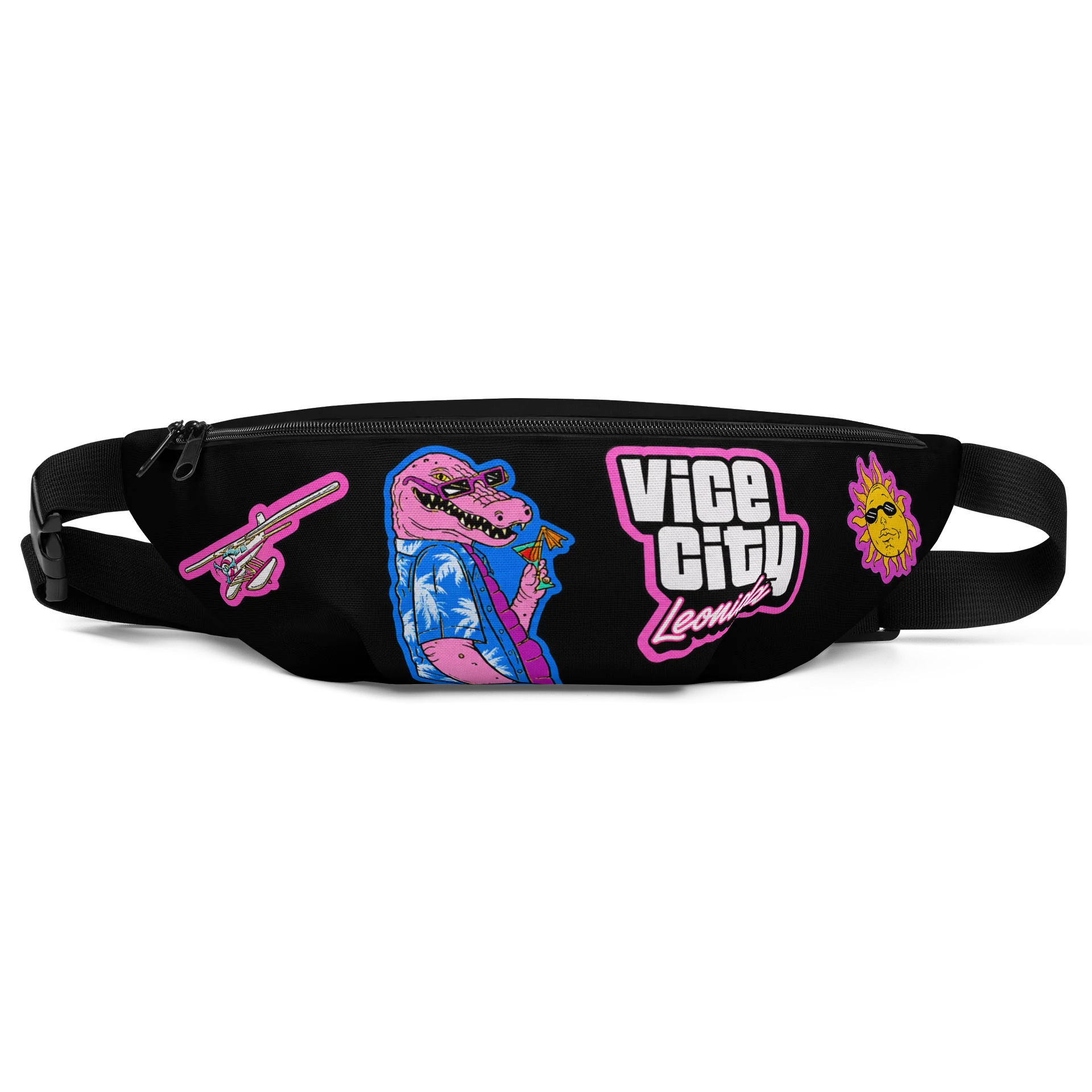
Leonida Keys Crossbody Bag
A practical accessory with Vice City character.

Jason Mud Flaps Tank
A bold character-inspired design.
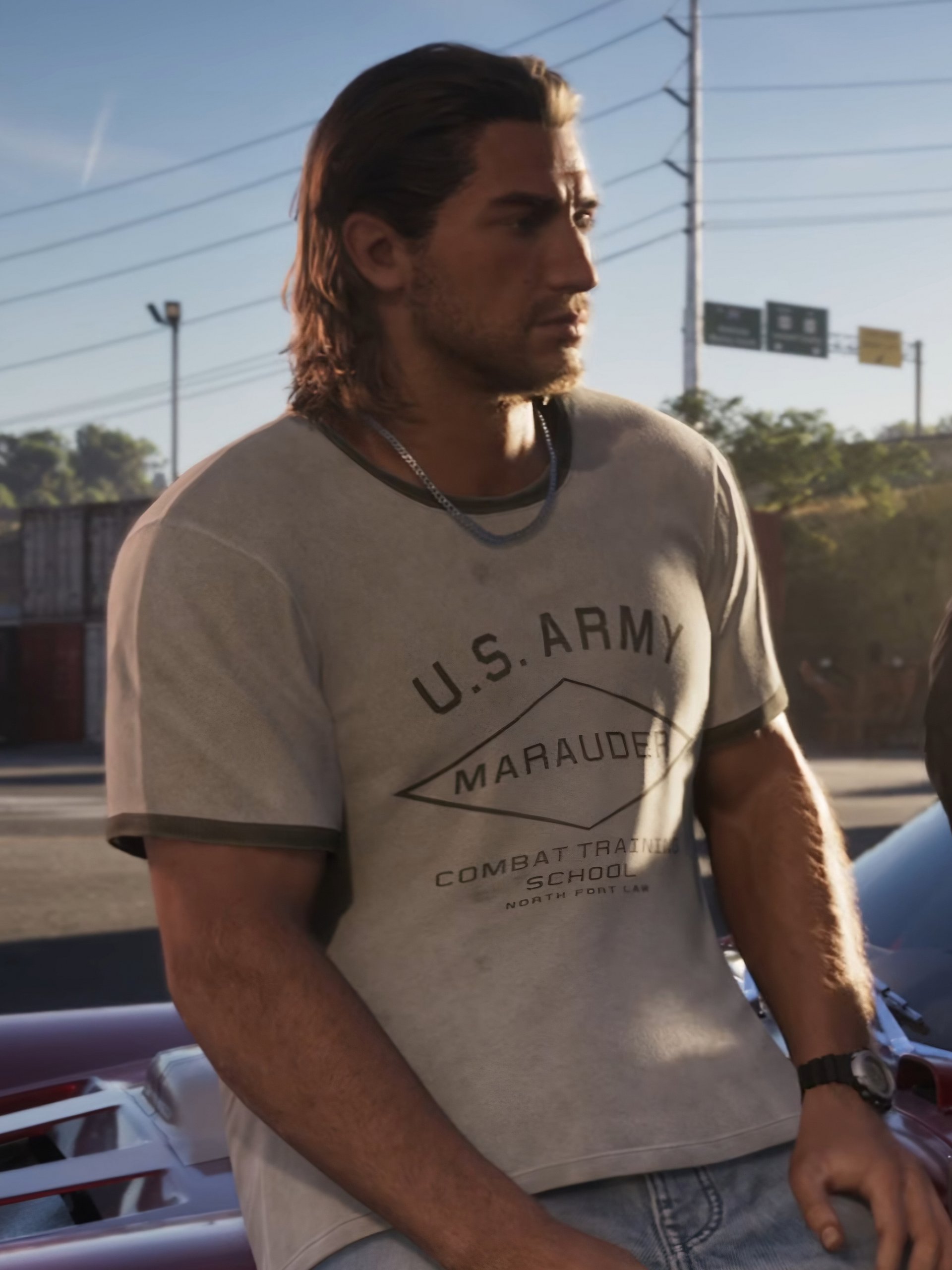
Jason Marauder Ringer Tee
Character-inspired casual streetwear.
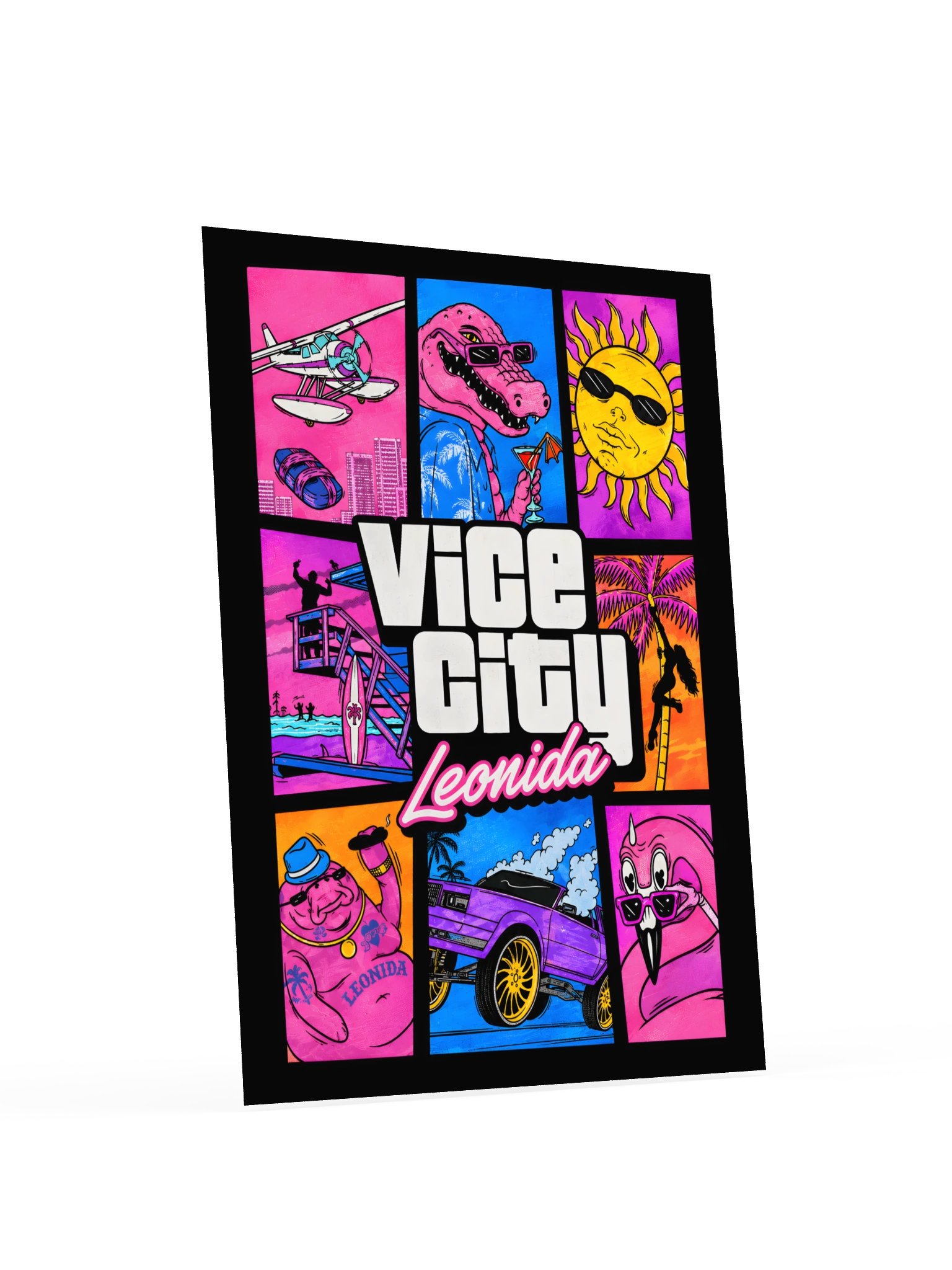
Leonida Poster
Add a little Leonida atmosphere to your space.
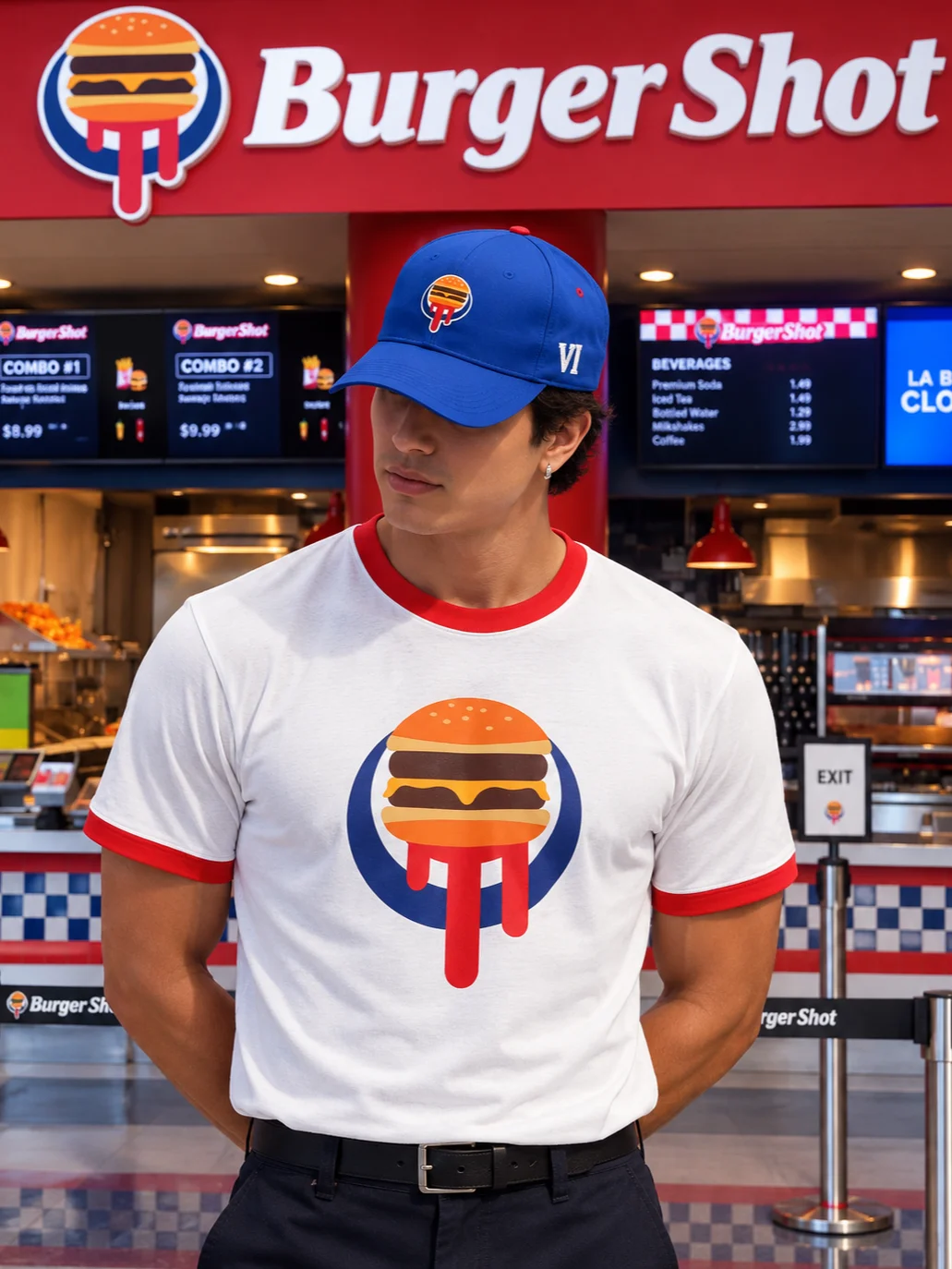
Burger Shot Tee
Inspired by a familiar Leonida favourite.
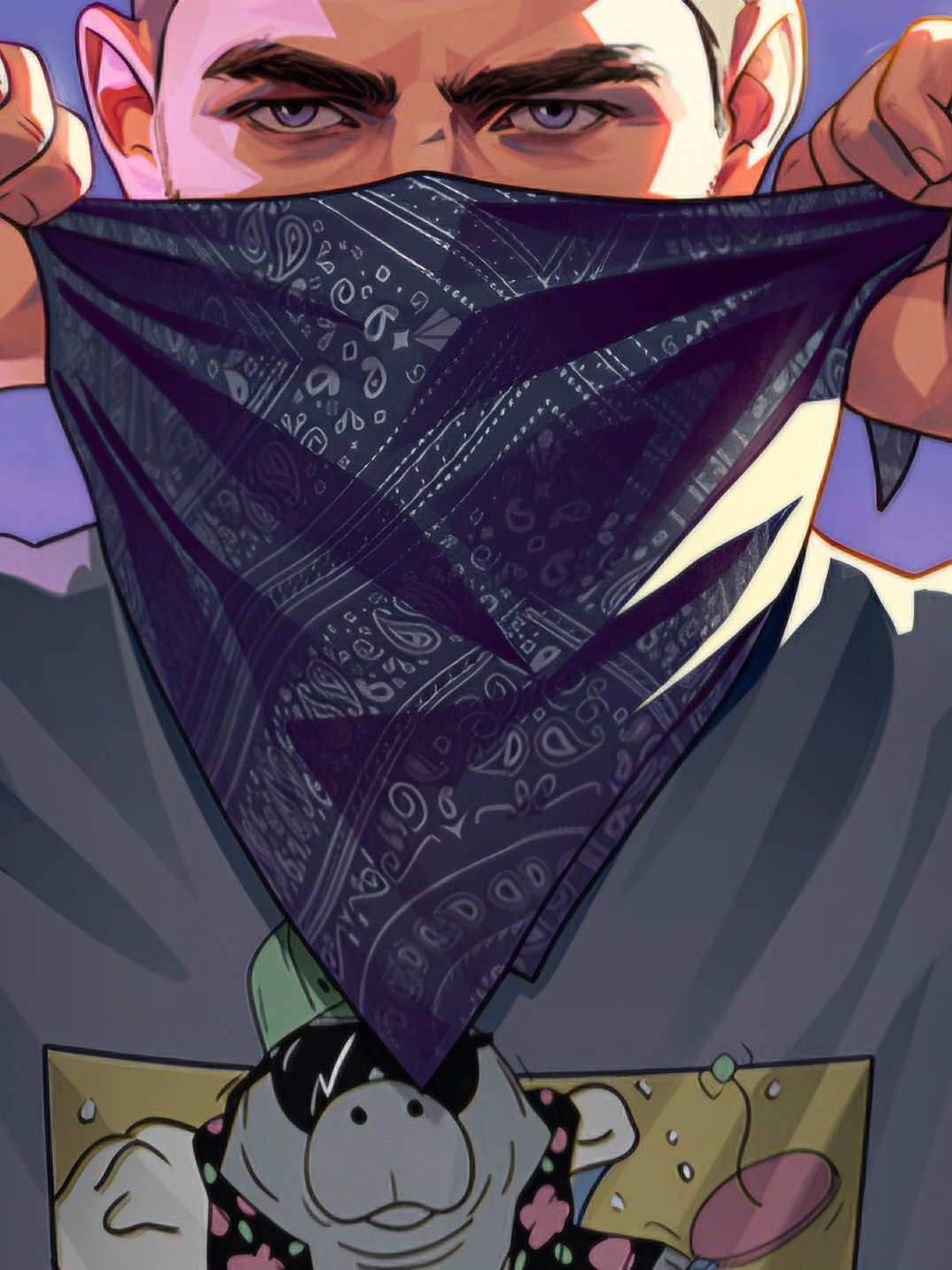
Jason Bandana
A simple accessory for GTA fans.
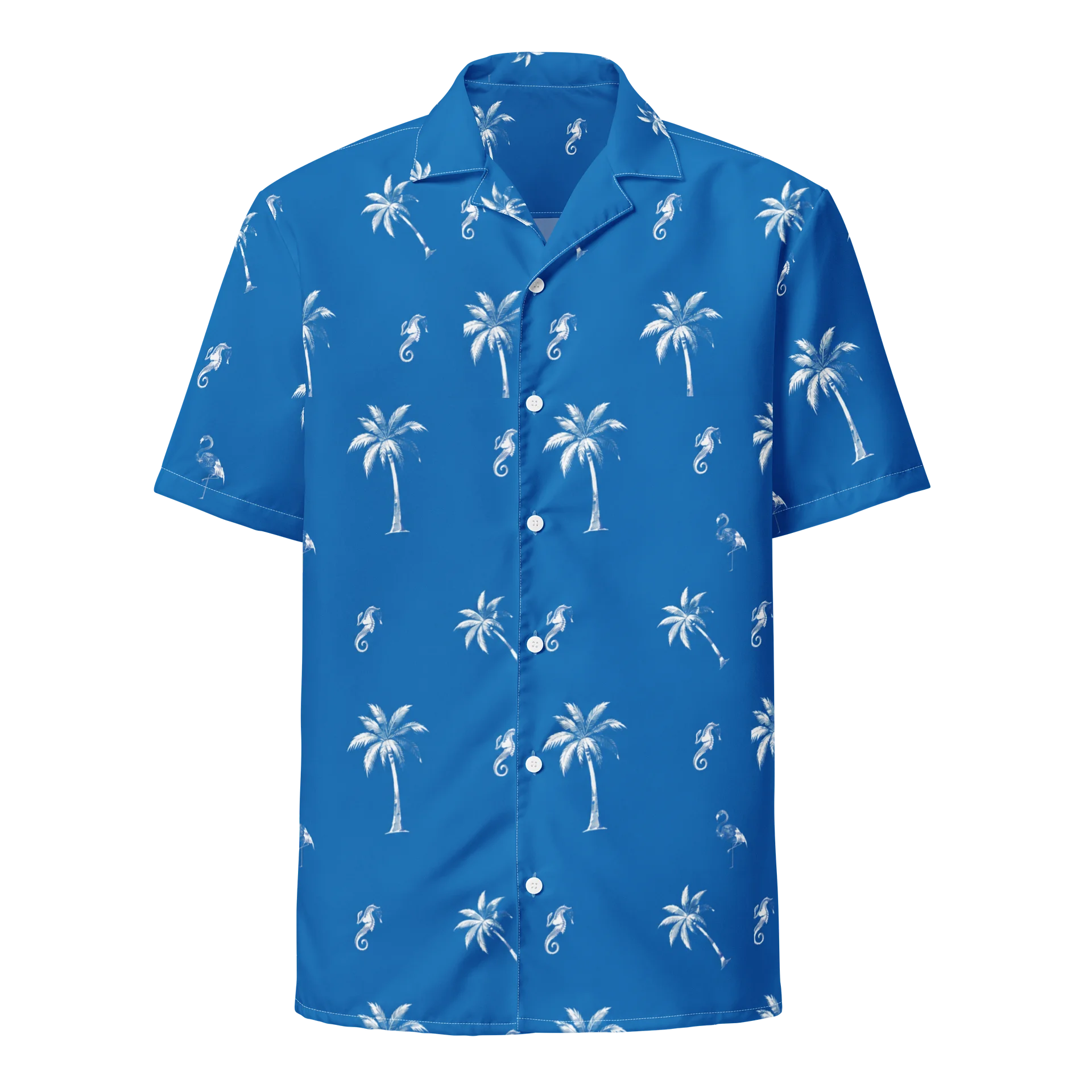
Jason Tropical Shirt
Bring a touch of tropical style to your look.
Build a community that lasts.
Set clear chat rules
Decide what behaviour is acceptable in your channel. Use moderators and available chat filters to reduce spam, harassment and spoilers. A welcoming community encourages viewers to return.
Protect your privacy
Before going live, close personal messages, hide private notifications and check what is visible on your desktop. Never reveal passwords, account details, personal addresses or private information on stream.
Be careful with music and copyright
Use music you have permission to broadcast. Popular songs playing in the background can lead to muted videos, claims or other platform restrictions. Check the music rules of the platform you use.
Manage spoilers
Some viewers will want to experience the story without spoilers. Consider spoiler warnings in titles and chat rules, and avoid revealing major story details in thumbnails without warning.
Turn your passion into a channel.
Focus on building a community before worrying about income. As your channel grows, explore the monetisation options offered by your streaming platform.
Twitch Affiliate preparation
Twitch's Affiliate eligibility requirements can change. Check your Creator Dashboard for the latest milestones and onboarding steps. Requirements have included follower, streaming-hour, streaming-day and average-viewer targets.
Read the current platform rules carefully and enable account security features such as two-factor authentication.
Think beyond live streaming
Share highlights, tutorials, short clips and memorable moments on other platforms. Different viewers discover creators in different ways, and useful content can continue attracting an audience after a live stream ends.
The final 48-hour check.
- Update your console, PC and streaming software.
- Confirm game availability and storage space.
- Test your internet connection.
- Check microphone, camera and lighting.
- Prepare stream titles, thumbnails and overlays.
- Set up starting-soon and ending scenes.
- Check your channel links and social profiles.
- Set chat rules and moderation tools.
- Check privacy settings and notifications.
- Prepare a backup plan for technical issues.
- Keep water and essentials close to your desk.
- Enjoy the experience and have fun.
GTA VI streaming FAQ.
What platforms can I use to stream GTA VI?
Prepare for supported console broadcasting on PS5 and Xbox Series X|S. Follow official announcements for additional platform information.
Can I stream GTA VI on PC?
Check Rockstar's official announcements for PC availability. Avoid relying on unofficial release dates or requirements.
Do I need an expensive microphone?
No. A reliable microphone with clear audio and minimal background noise is a good starting point.
Should I use a webcam?
A webcam is optional. Good commentary and engaging content matter even if you choose not to show your face.
How can I grow my GTA VI channel?
Be consistent, develop a recognisable style, interact with viewers and share highlights beyond your live streams.
How to improve my appearance on stream?
Build a look inspired by the world of GTA VI. Explore GTAClothing.store for clothing and accessories inspired by the game, including styles worn by Jason and other characters. Visit regularly to discover new additions to the collection.
Where can I find official game updates?
Follow Rockstar Games and the official PlayStation and Xbox channels for confirmed announcements.